
 Sticky Add-to-Cart
 WhatsApp Chat Button
 Free Shipping Bar
 Estimated Delivery
 Web Push
 Back in Stock & Preorder
 Launch Waitlist
 Popups & Quizzes
 Form Builder
 Quantity Breaks & Bundles
 Product Options
 Cart Drawer & Upsells
 Product Reviews
 Product Q&A
 PRODUCT BADGES
Mark what is new,
on sale or nearly gone.
Fresh arrivals. A better price. The last few left.
Put those details right on the product card.
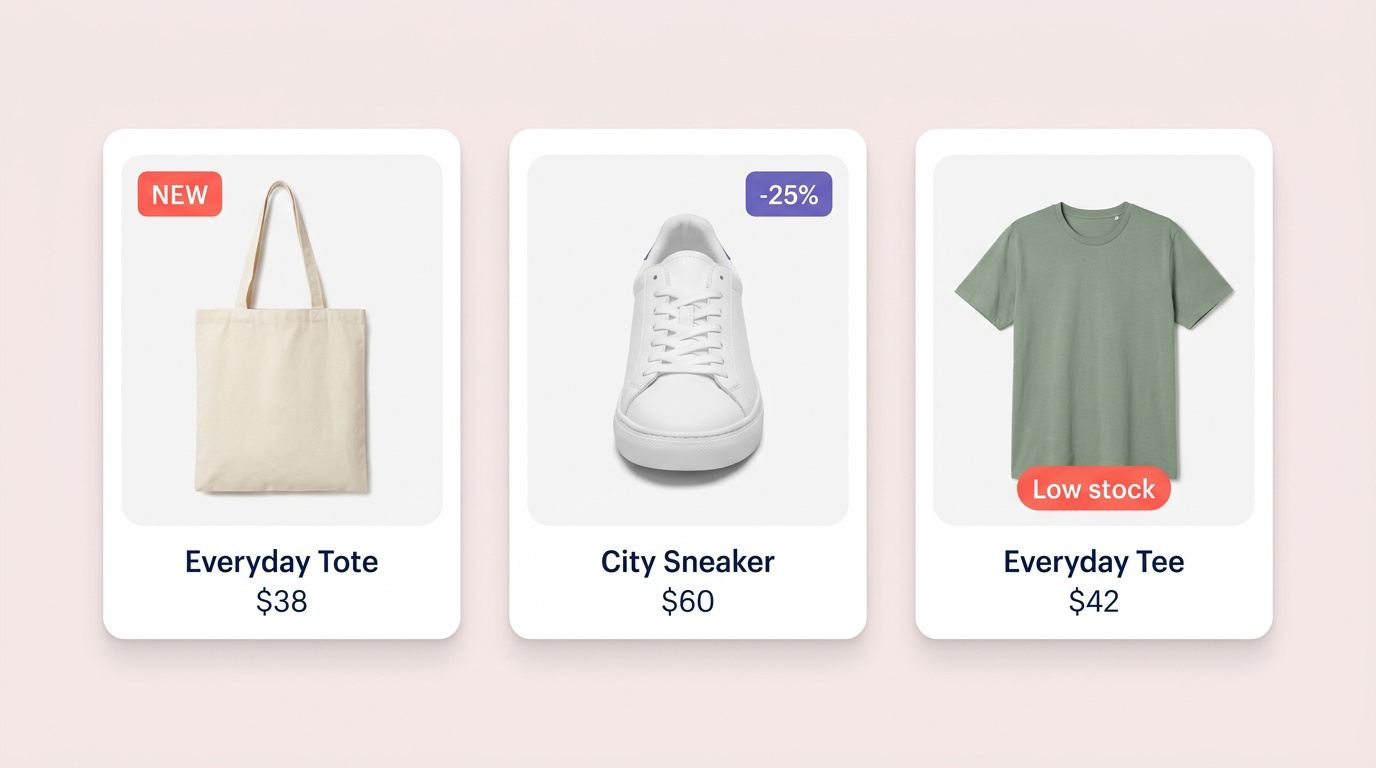
Three reasons
to take a closer look.
Make the new easy to find.
Call attention to recently published products, so your latest arrivals get their moment.
Explore arrival rules ↗ 02 / COMPARESALELet the offer speak.
Use sale pricing to highlight products with a discount worth a second look.
Explore price rules ↗ 03 / DECIDELOW STOCKKeep availability in view.
Show a stock signal based on inventory, and let it change as stock changes.
Explore inventory rules ↗Rules that decide
which badge shows.
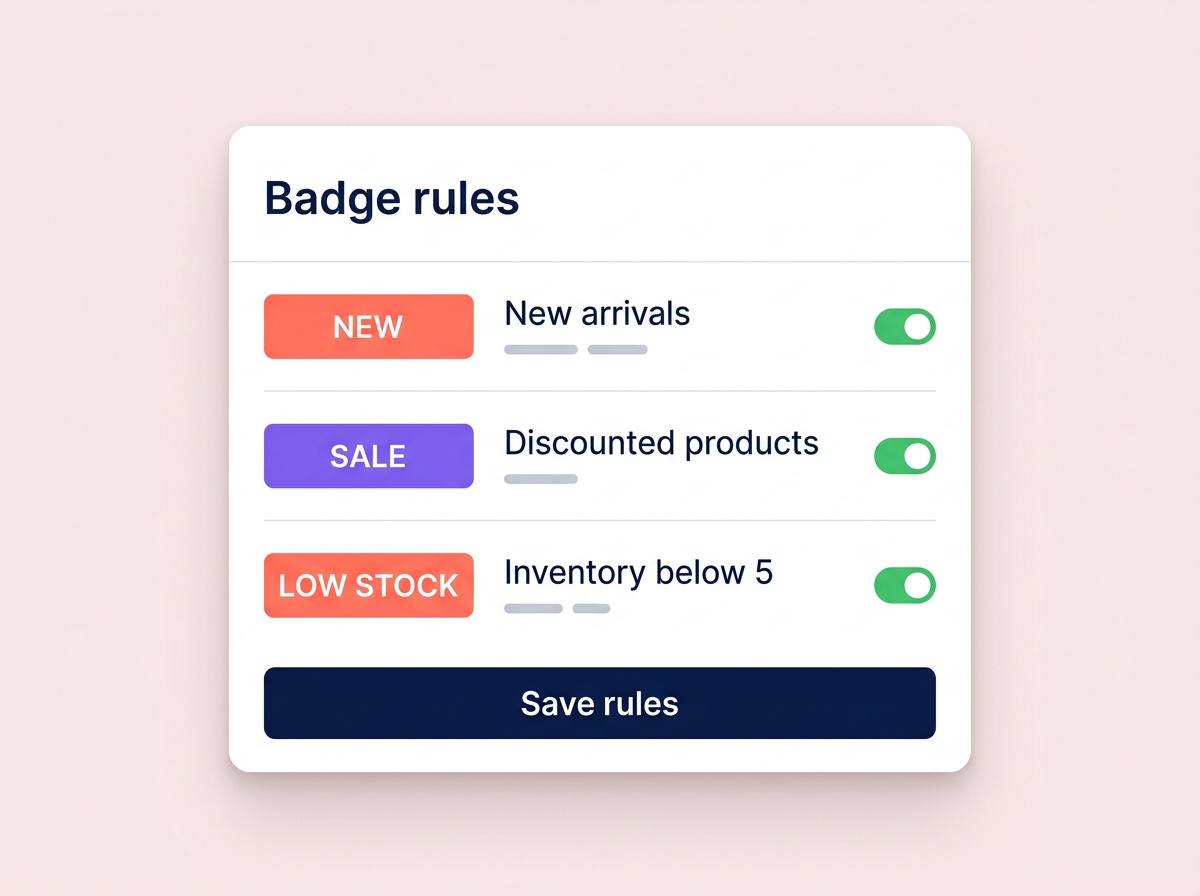
Connect a badge to product data instead of updating every product by hand.
- Choose a signalPublish date, sale price or inventory.
- Define your ruleDecide which products should qualify.
- Keep it relevantRules re-evaluate as product data changes.
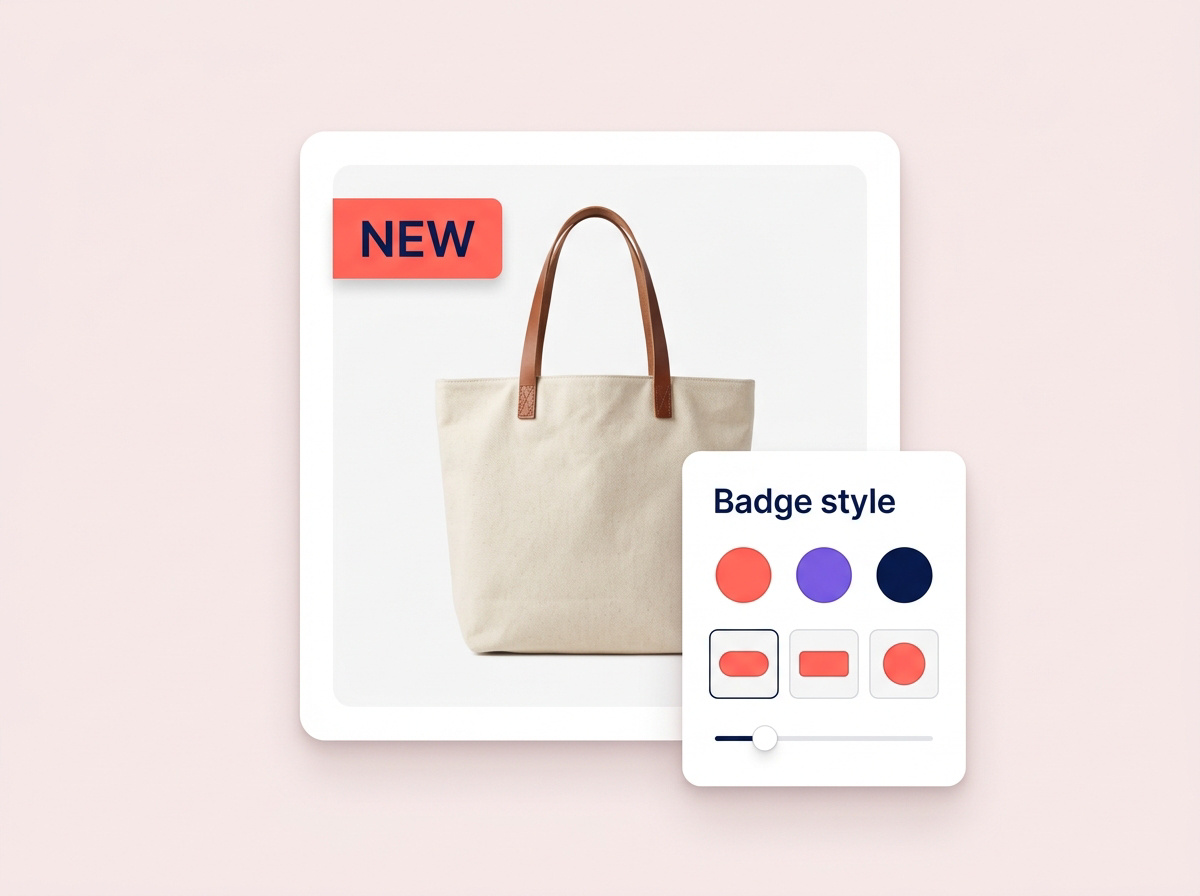
Badges that match
your theme.
A badge should belong on your storefront. Refine its label, color and placement to work with your product photography and brand.
Common questions.
Do I need to tag every product?
No. Rules can use product data such as publish date, compare-at price and inventory. Tags are available when you want them.
What happens when stock is replenished?
Rules are re-evaluated from current product data, so a low-stock badge can disappear when inventory no longer meets the condition.
Can badges match my brand?
Labels, colors and placement can be configured per rule.