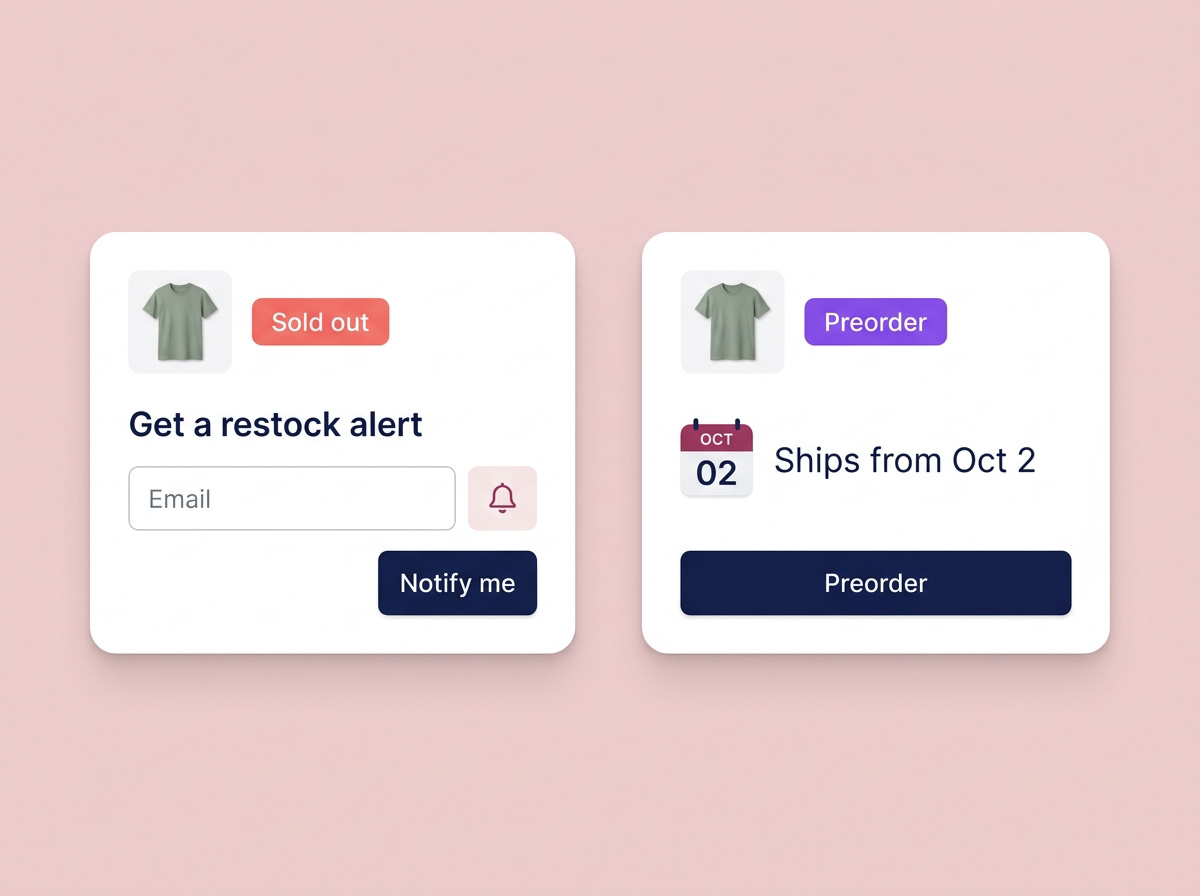
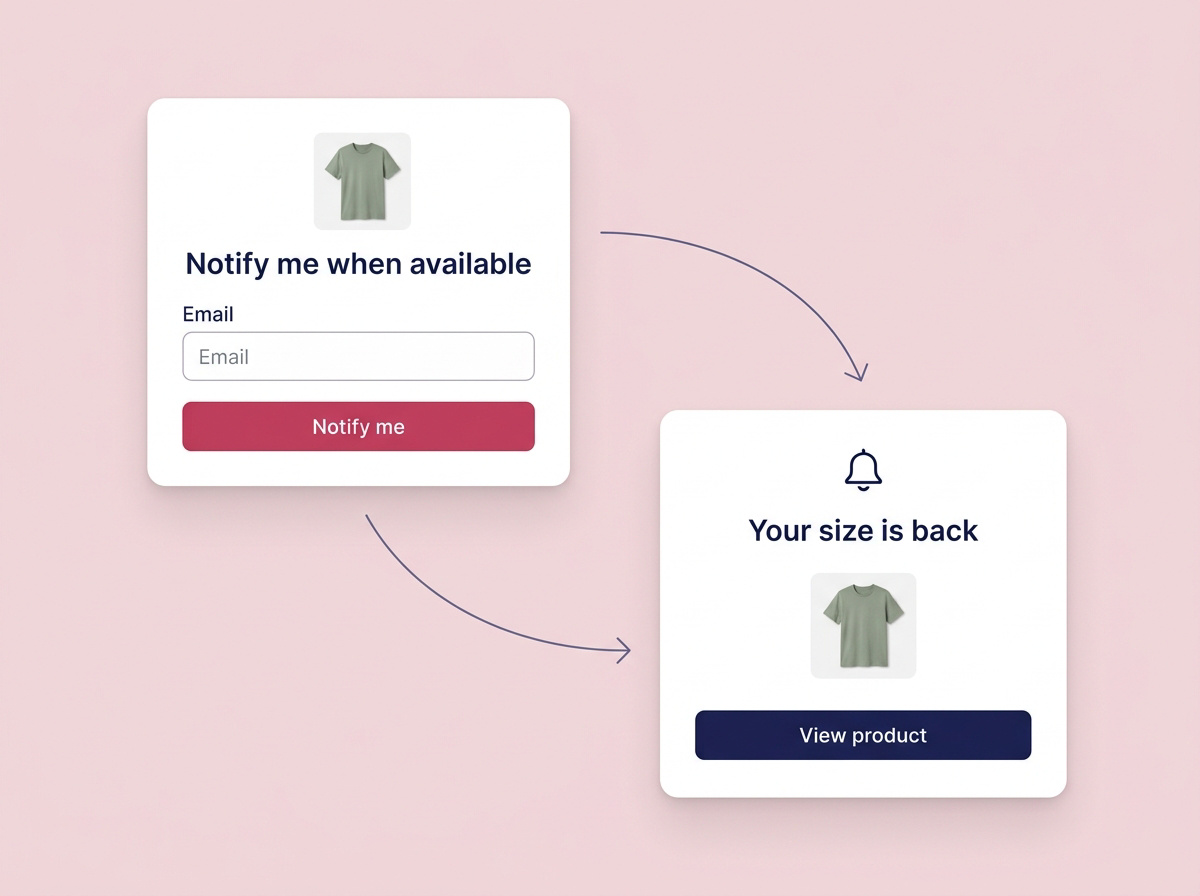
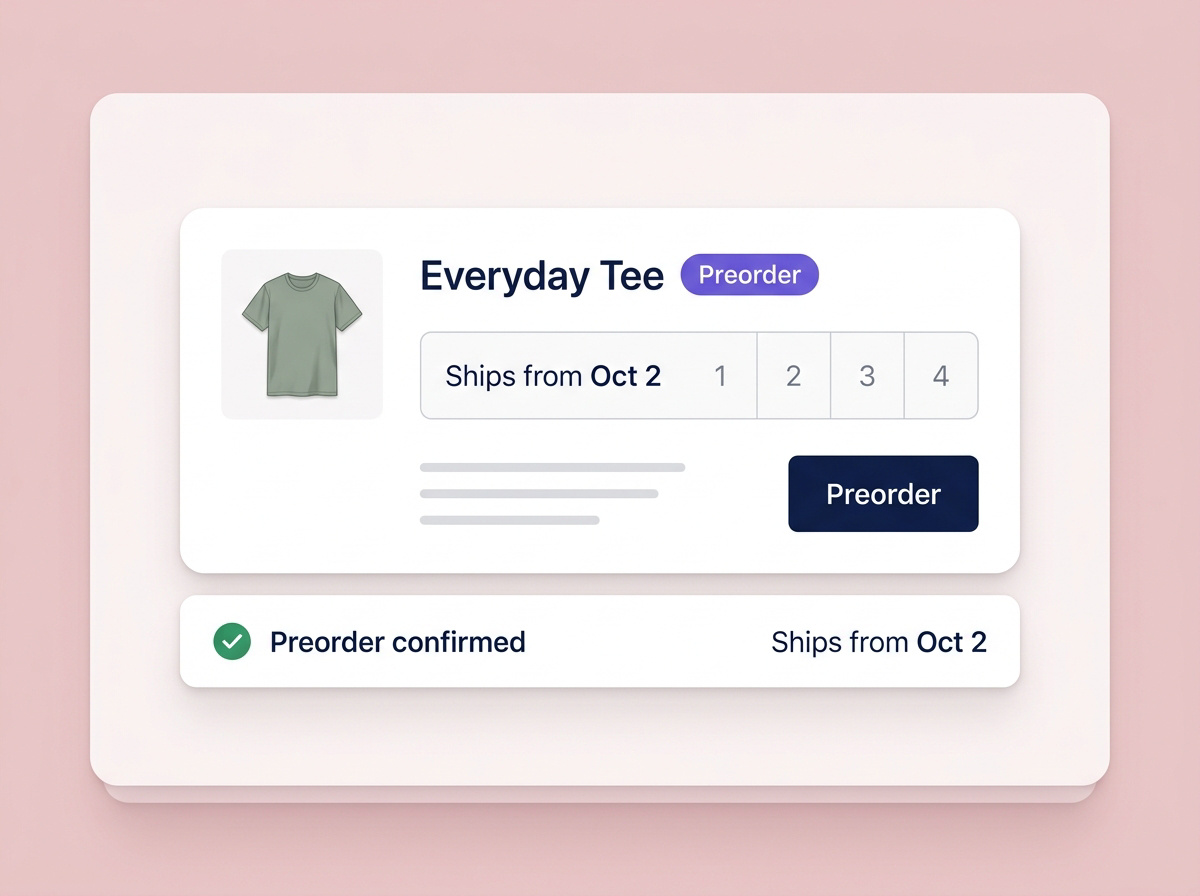
Keep inventory accurate and follow the restock notification flow.
Manage the order, communicate timing and fulfill when ready.
Operational context
The exact sold-out variant, signup confirmation and waitlist demand.
Expected ship-date messaging and an order tag your team can recognize.
What it tells you
Shoppers have expressed interest.
Customers have committed to orders.
PATH 01 / CAPTURE INTEREST
“Tell me when it is back.”
Give the interested shopper a way back.
Show Notify me for the exact sold-out selection, such as a size or color. BulkiApps records that variant with the signup, then eligible subscribers can receive an automatic alert when its inventory returns.
Variant-specific signup and configurable confirmation
Waitlist counts and export-friendly demand data
Automatic restock sends with a return-to-product link
Merchant takeawayA signup captures interest; it does not reserve stock or guarantee a later purchase.
PATH 02 / ACCEPT ADVANCE ORDERS
“I am happy to wait. Let me order.”
Take the order with a clear expectation.
Enable preorders for selected products or variants, show expected timing, and tag the orders so your team can identify them for fulfillment and support.
Rules for selected products or variants
Expected ship-date messaging before purchase
Automatic Shopify order tags for downstream handling
Merchant takeawayChoose this path when your team can manage the wait and communicate changes to the plan.
Choose the products or variants where stock gaps matter most. A sold-out size should collect interest for that size, not just the general product.
Choose the right path.
Enable Notify me, preorder or both. Configure the signup confirmation, expected ship date and preorder order tag for the path you choose.
Test the handoff to your team.
Test a signup against the exact variant, check the restock alert destination, and confirm your team can identify tagged preorder orders before expanding the rollout.
Questions before you commit?
Does the waitlist remember the selected size or color?
Yes. BulkiApps records the exact sold-out variant the shopper selected, not just the product. This helps your team see what customers are actually waiting for.
What happens when inventory returns?
Eligible waitlist subscribers can receive an automatic restock alert and a link back to the product to complete their purchase.
Can I use different options on different products?
Yes. Enable Notify me, preorder or both for the products and variants you select.
Can preorders be identified in Shopify?
Configure an order tag so fulfillment and support workflows can identify preorder purchases.
Does a restock alert reserve an item?
An alert invites a shopper back when stock returns. It is different from placing an order.
Should I use BulkiApps or a single-purpose app?
Map the modules you need to the apps and workflows you already use, and review pricing before choosing your rollout.

 Sticky Add-to-Cart
 WhatsApp Chat Button
 Badges & Labels
 Free Shipping Bar
 Estimated Delivery
 Web Push
 Back in Stock & Preorder
 Launch Waitlist
 Popups & Quizzes
 Form Builder
 Quantity Breaks & Bundles
 Product Options
 Cart Drawer & Upsells
 Product Reviews
 Product Q&A