 Sticky Add-to-Cart
 WhatsApp Chat Button
 Badges & Labels
 Free Shipping Bar
 Estimated Delivery
 Back in Stock & Preorder
 Launch Waitlist
 Popups & Quizzes
 Form Builder
 Quantity Breaks & Bundles
 Product Options
 Cart Drawer & Upsells
 Product Reviews
 Product Q&A
Start with a choice.
Invite shoppers to receive browser updates. The decision to allow notifications stays with them.
 for Shopify
 WEB PUSH NOTIFICATIONS
Turn an interested visitor into an opted-in audience. Share a new arrival, a timely update, or something worth another look.
Part of BulkiApps: 15 modules, one install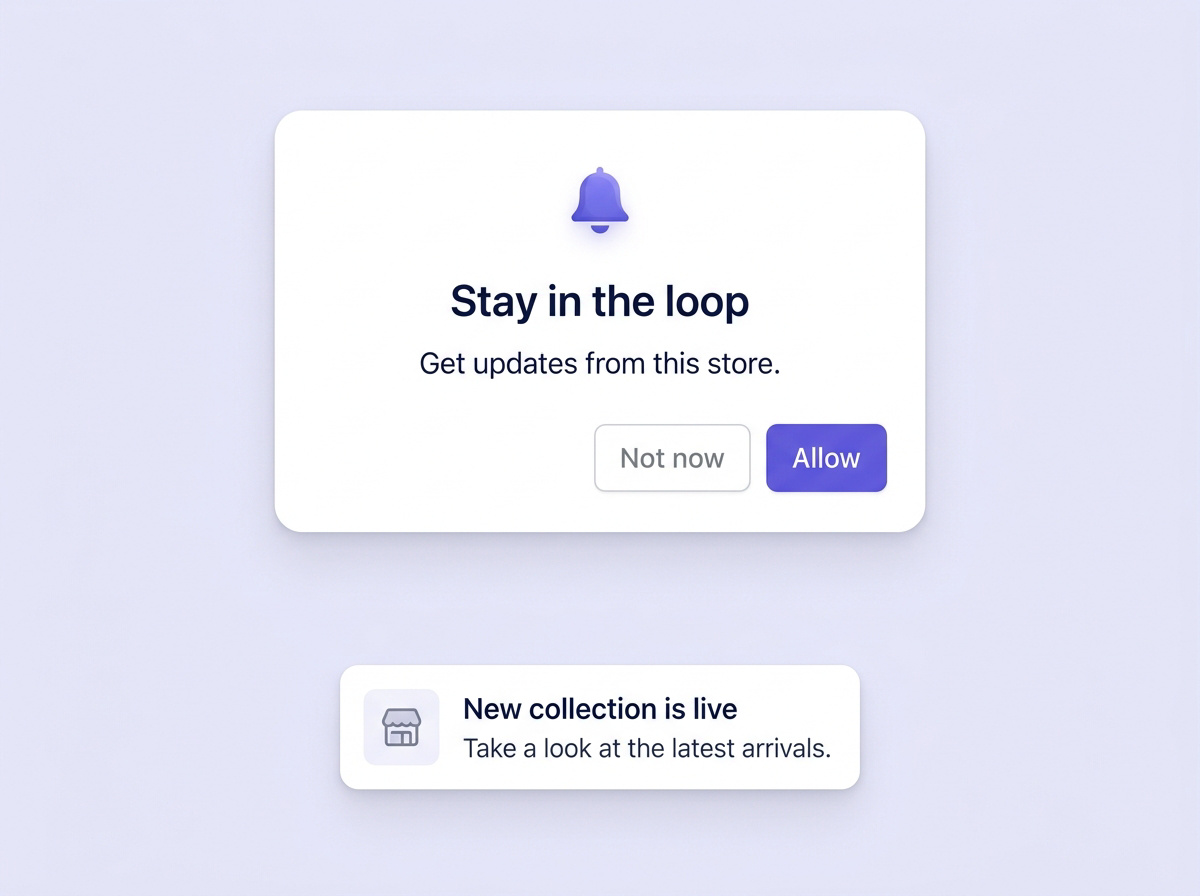
Invite shoppers to receive browser updates. The decision to allow notifications stays with them.
The browser asks once. A decline is respected and not re-prompted.
Permission can be withdrawn in browser settings at any time, without asking you.
A notification has a small space to do its job. Keep the title specific, the message short, and the destination relevant.
Give shoppers a reason to open the update.
Connect the message to the page you want them to explore.
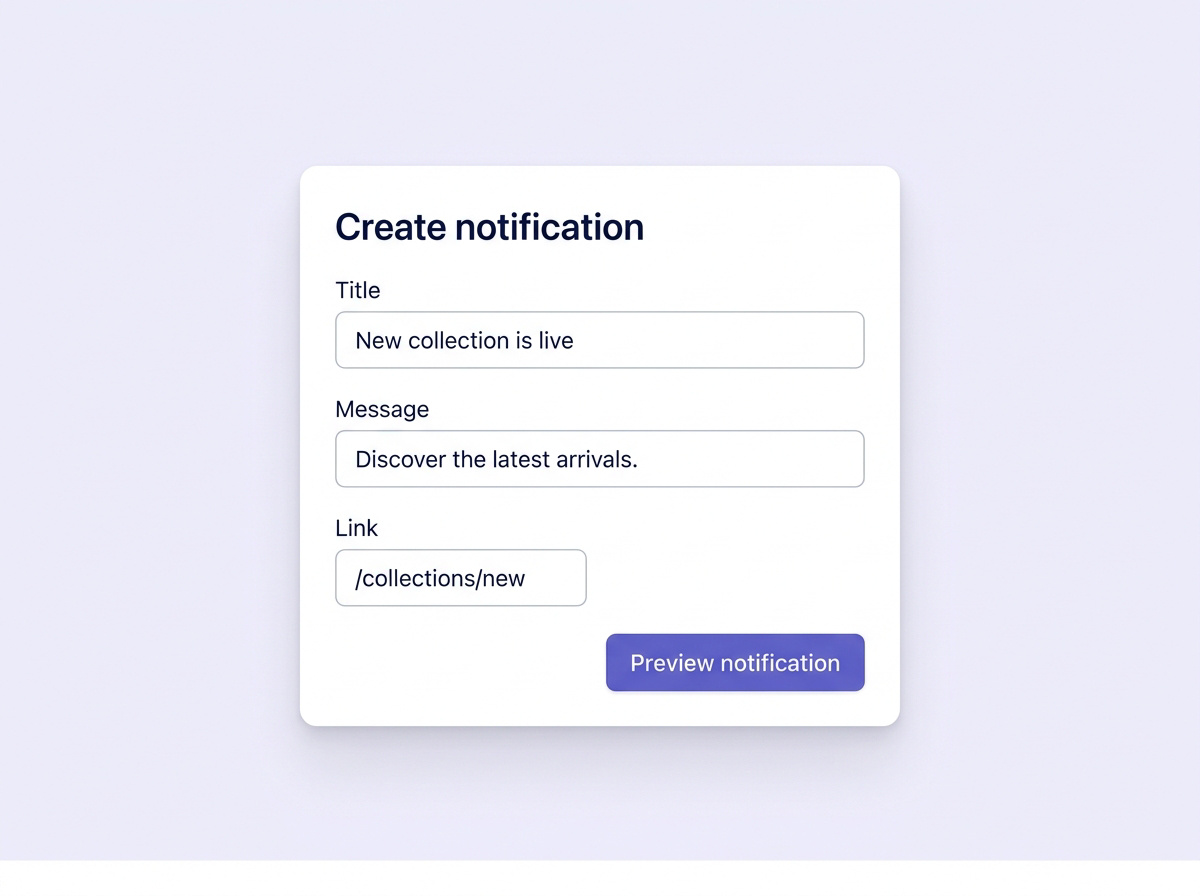
Bring opted-in shoppers back to what matters in the message.
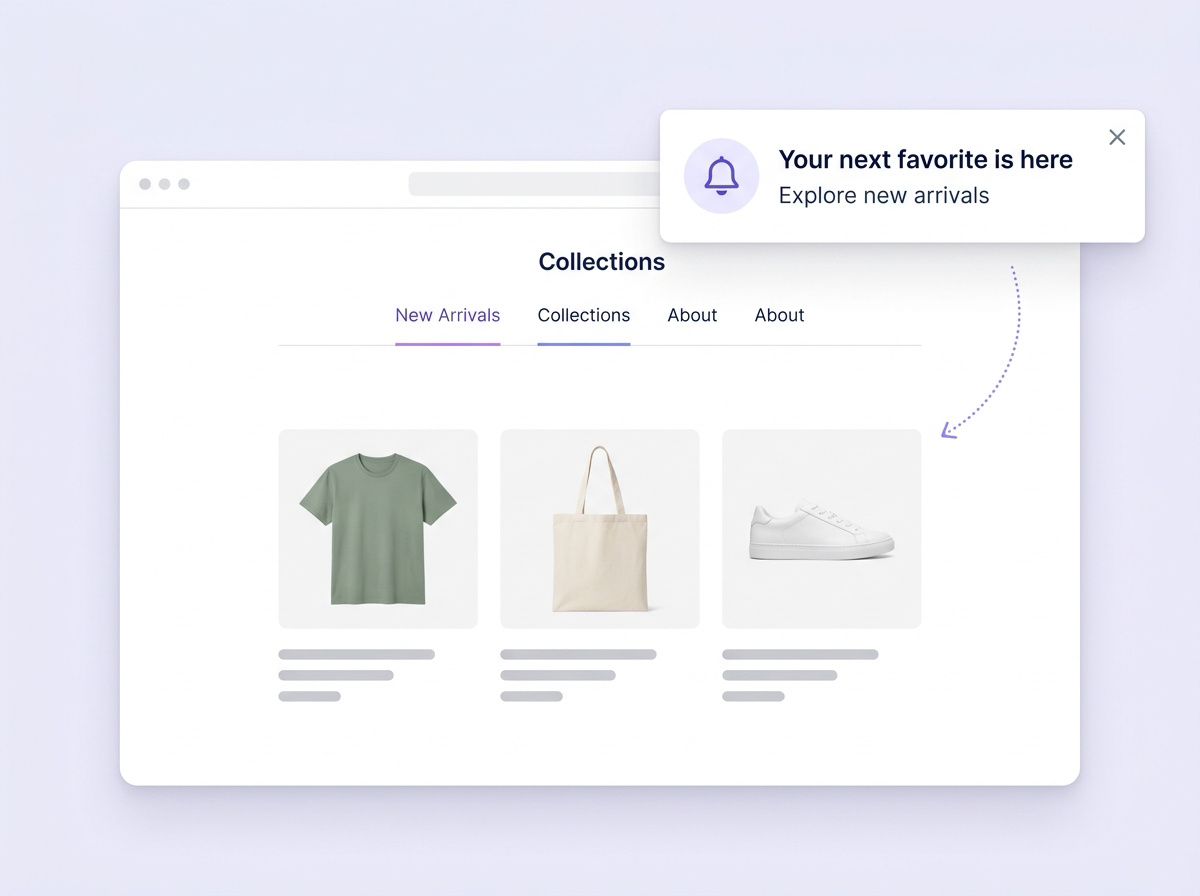
Yes. Browser notifications require the shopper's permission. They choose whether to allow them.
No. Web push uses browser notifications rather than an email inbox or a text-message conversation.
Its link directs the shopper to the relevant destination, such as a collection, product or store update.