 Sticky Add-to-Cart
 Badges & Labels
 Free Shipping Bar
 Estimated Delivery
 Web Push
 Back in Stock & Preorder
 Launch Waitlist
 Popups & Quizzes
 Form Builder
 Quantity Breaks & Bundles
 Product Options
 Cart Drawer & Upsells
 Product Reviews
 Product Q&A
Skip the “which product?”
Use a prefilled opening message to bring the product title, page URL or question into the conversation.
 for Shopify
 WhatsApp Chat Button
Size advice. A delivery detail. One last thing before checkout. Give shoppers a familiar way to ask, right from your store.
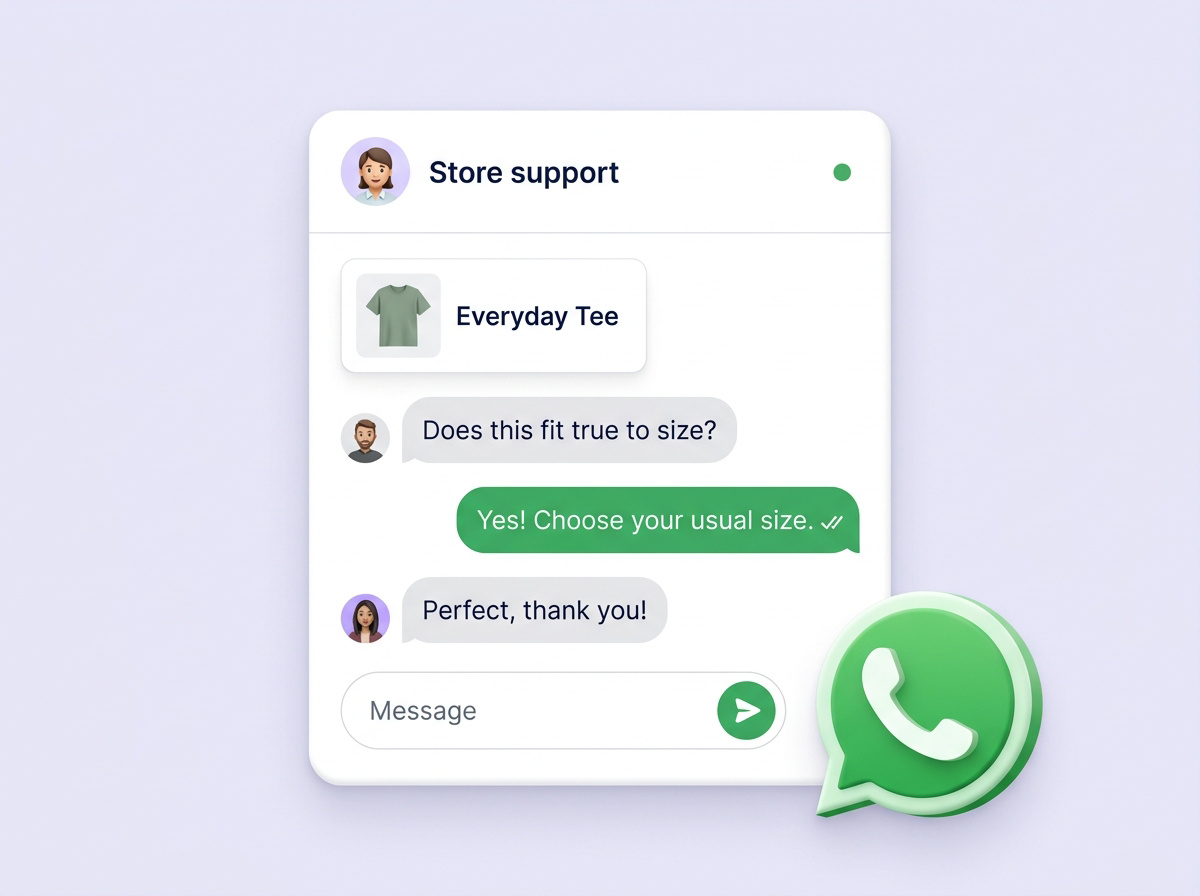
“Will this fit?”
“When will it arrive?”
“Can you help me choose?”
Make the invitation easy to find.
Keep the conversation easy to start.
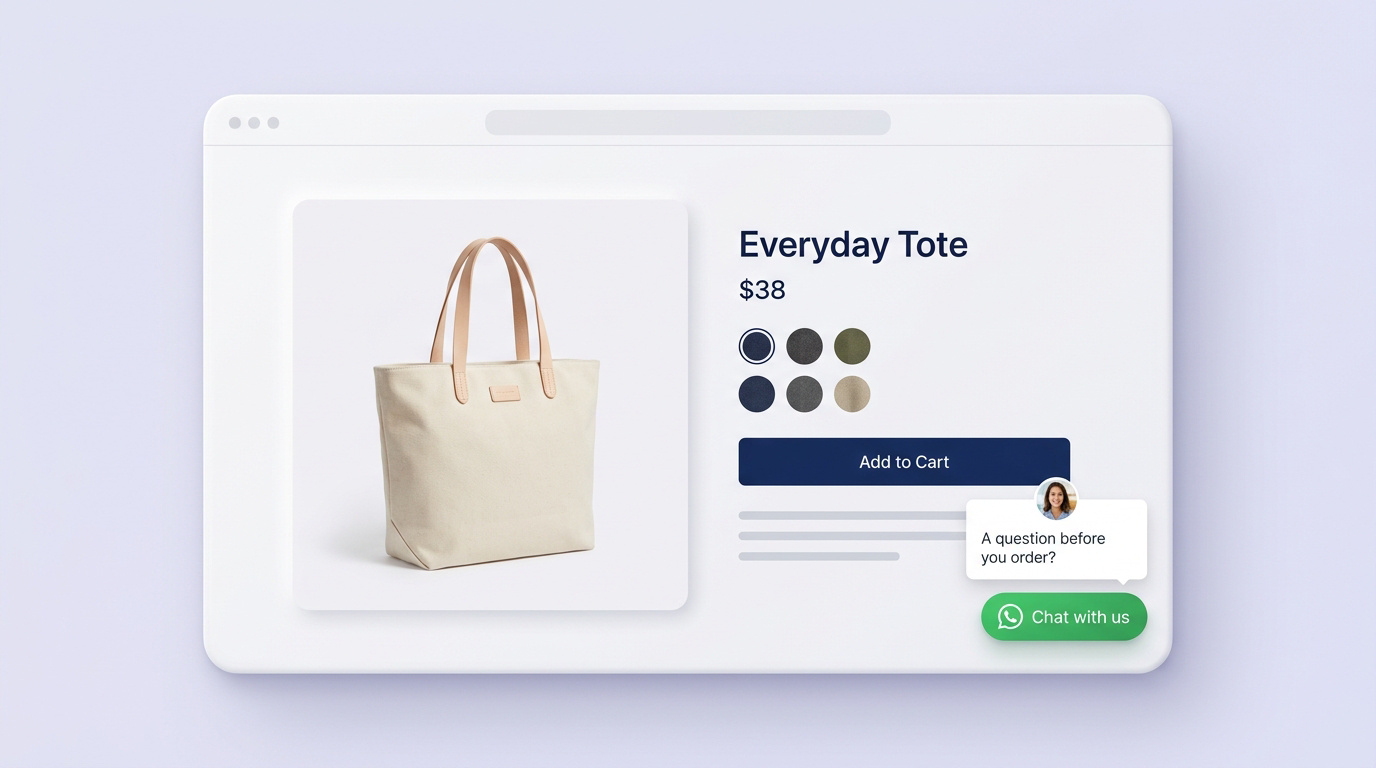
A familiar chat button gives shoppers a clear place to ask for help.
Prefill a useful message with the product title or URL to start with the right details.
Continue in WhatsApp, where your team can answer the question in a real conversation.
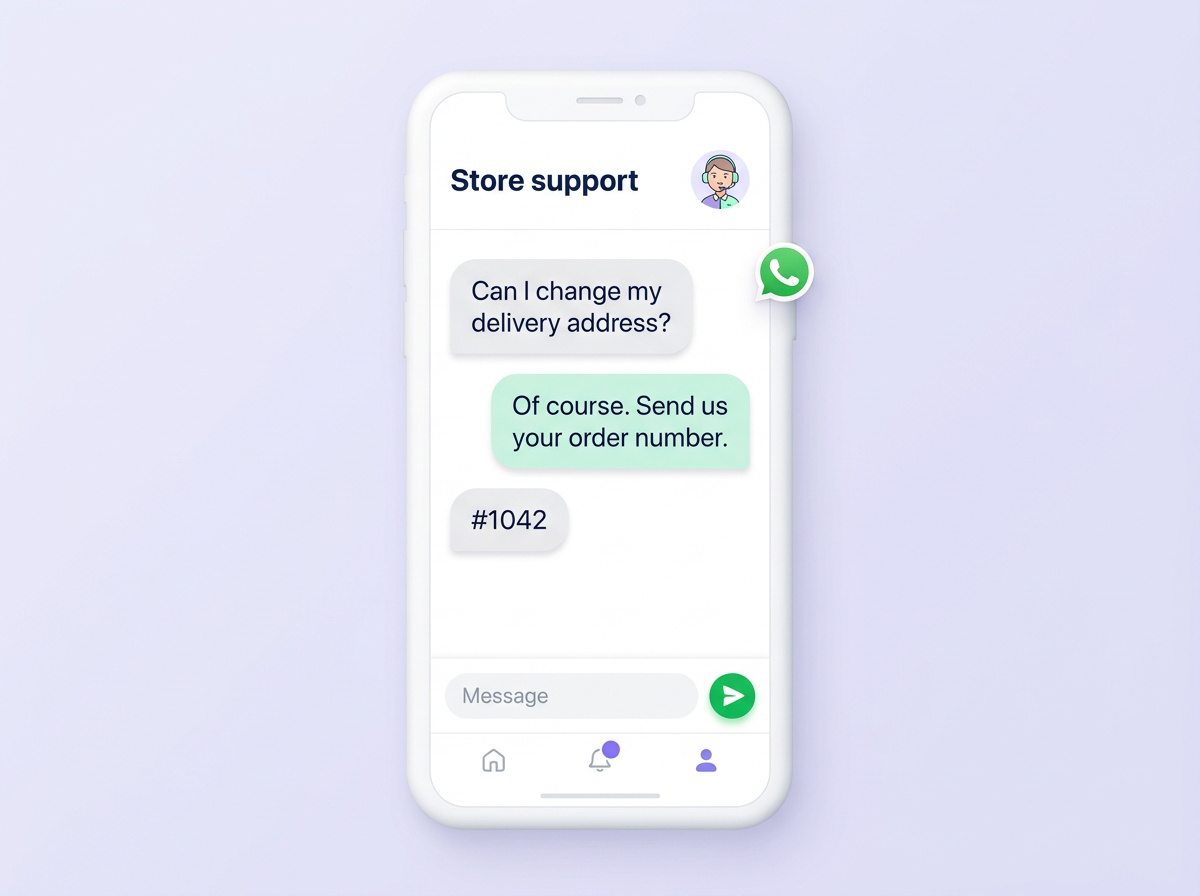
Before a purchase or after an order, give customers a direct way to reach your team.
Use a prefilled opening message to bring the product title, page URL or question into the conversation.
Align the chat entry point with the hours your team is available.
Choose the pages and devices where shoppers can see your chat button.
The storefront button gives shoppers an entry point into WhatsApp. Your team continues the conversation there.
Yes. Use a prefilled message with a product title, URL or opening question so your team has a useful starting point.
Business hours, page rules and device visibility help you decide where and when to make chat available.